Introducing Workspaces: Disputes, Coaching Assignments, and Recognition in One Hub
Workspaces in OnScript AI bring scorecard disputes, coaching assignments, and recognition into one hub for managers and agents, on web and desktop.
Product UpdatesUpdated 2 min read
Key takeaways
- Workspaces bring Disputes, Assignments, and Recognition into one hub in OnScript AI.
- Agents can dispute individual scorecard questions, and approved disputes recalculate the score automatically.
- Managers create coaching assignments directly from scorecard questions and recognize great calls.
- Workspaces work the same in the Web Portal and the Desktop App.
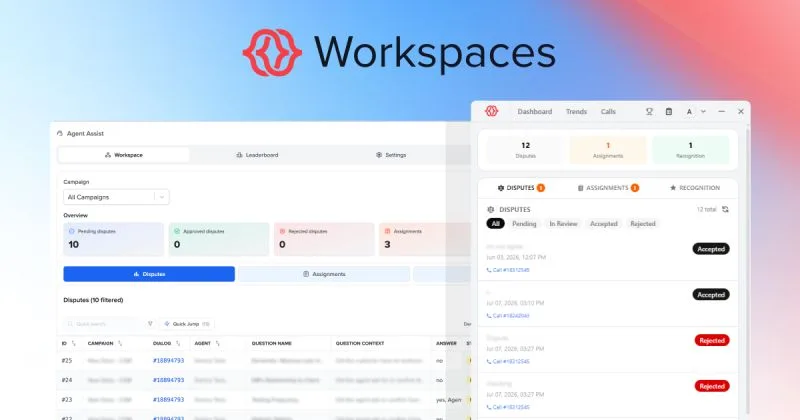
Meet Workspaces, the new centralized hub in OnScript AI.
Workspaces bring Disputes, Assignments, and Recognition into a single experience across the Web Portal and the Desktop App. Coaching and performance management get simpler for managers and agents alike.
What you can do with Workspaces
- Review and manage scorecard disputes with complete history and reviewer context
- Automatically recalculate scorecards when disputes are approved
- Create personalized coaching assignments directly from scorecard questions
- Recognize exceptional performance with Recognition items
- Give agents one place to review feedback, complete coaching, and track progress over time
- Work from the Desktop App or the Web Portal with the same experience
Fair, transparent scorecard disputes
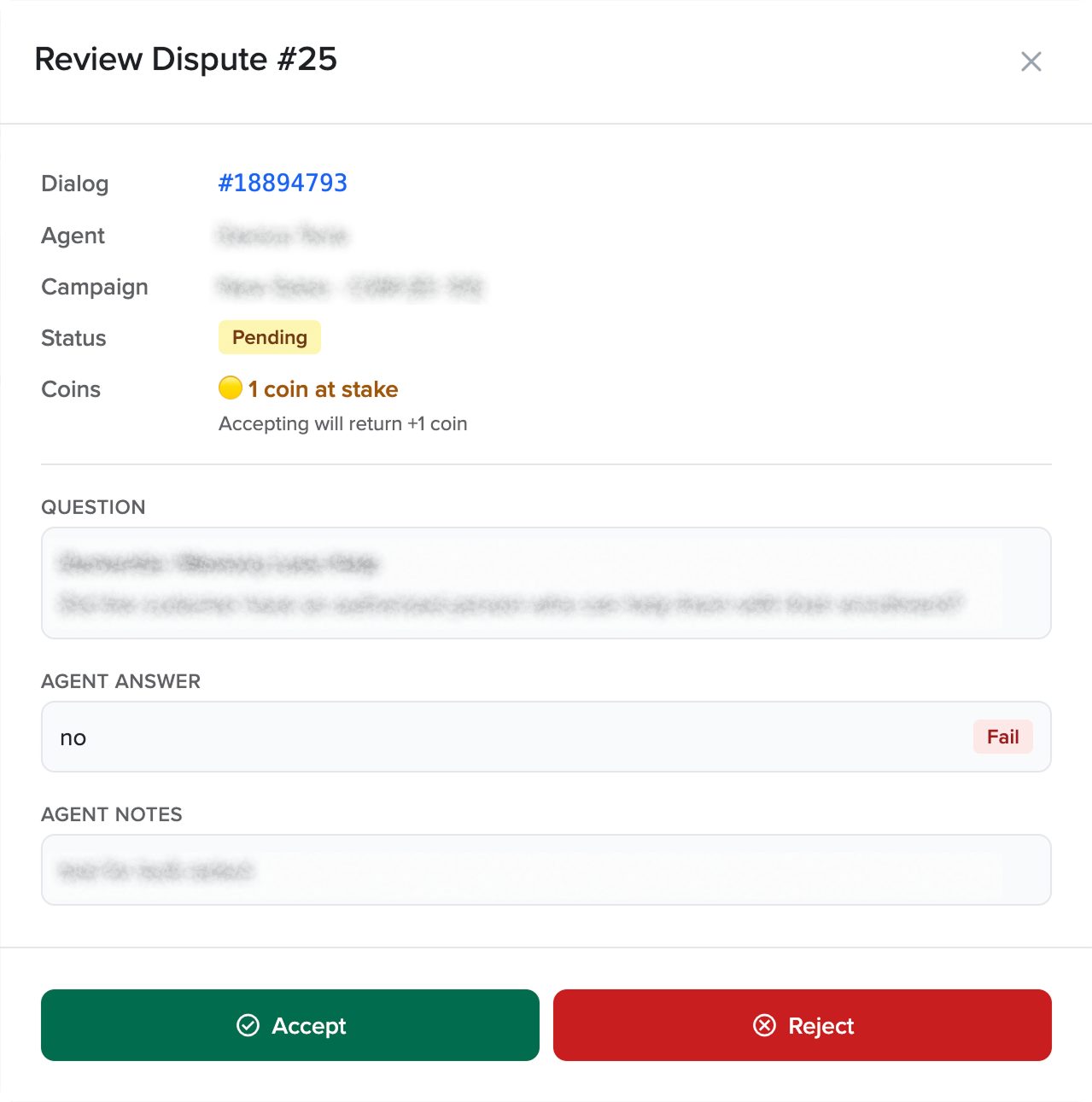
Agents can review their scorecards and dispute individual questions they believe were evaluated incorrectly. Managers see the full history, reviewer notes, and supporting context before approving or rejecting. When a dispute is approved, the scorecard is recalculated automatically and the agent sees the updated score right away.
Coaching that starts from the scorecard
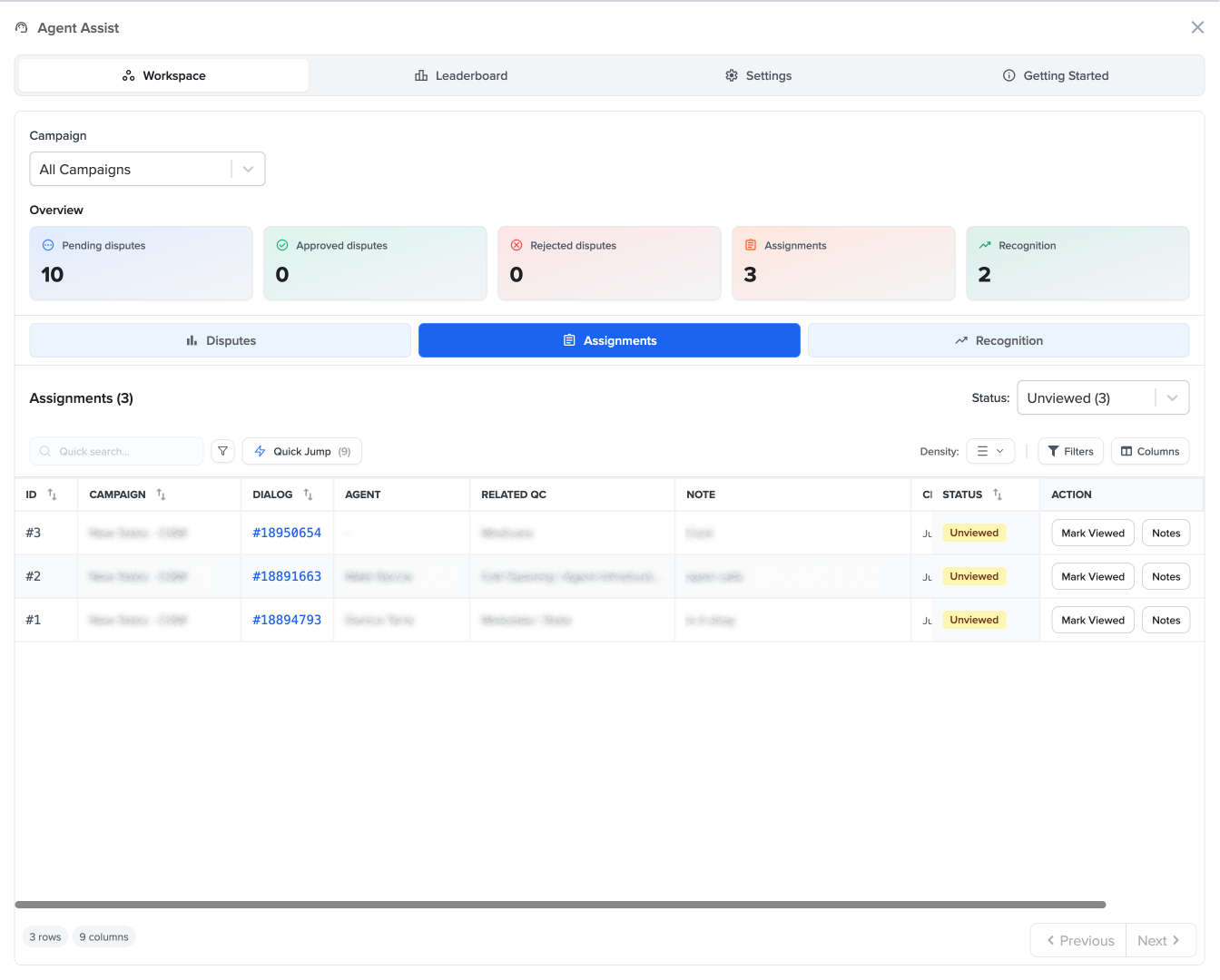
Managers can turn any scorecard question into a coaching assignment with personalized guidance on what to improve. The assignment appears instantly in the agent's Workspace, so feedback and the call it's about stay connected.
Recognition, not just correction
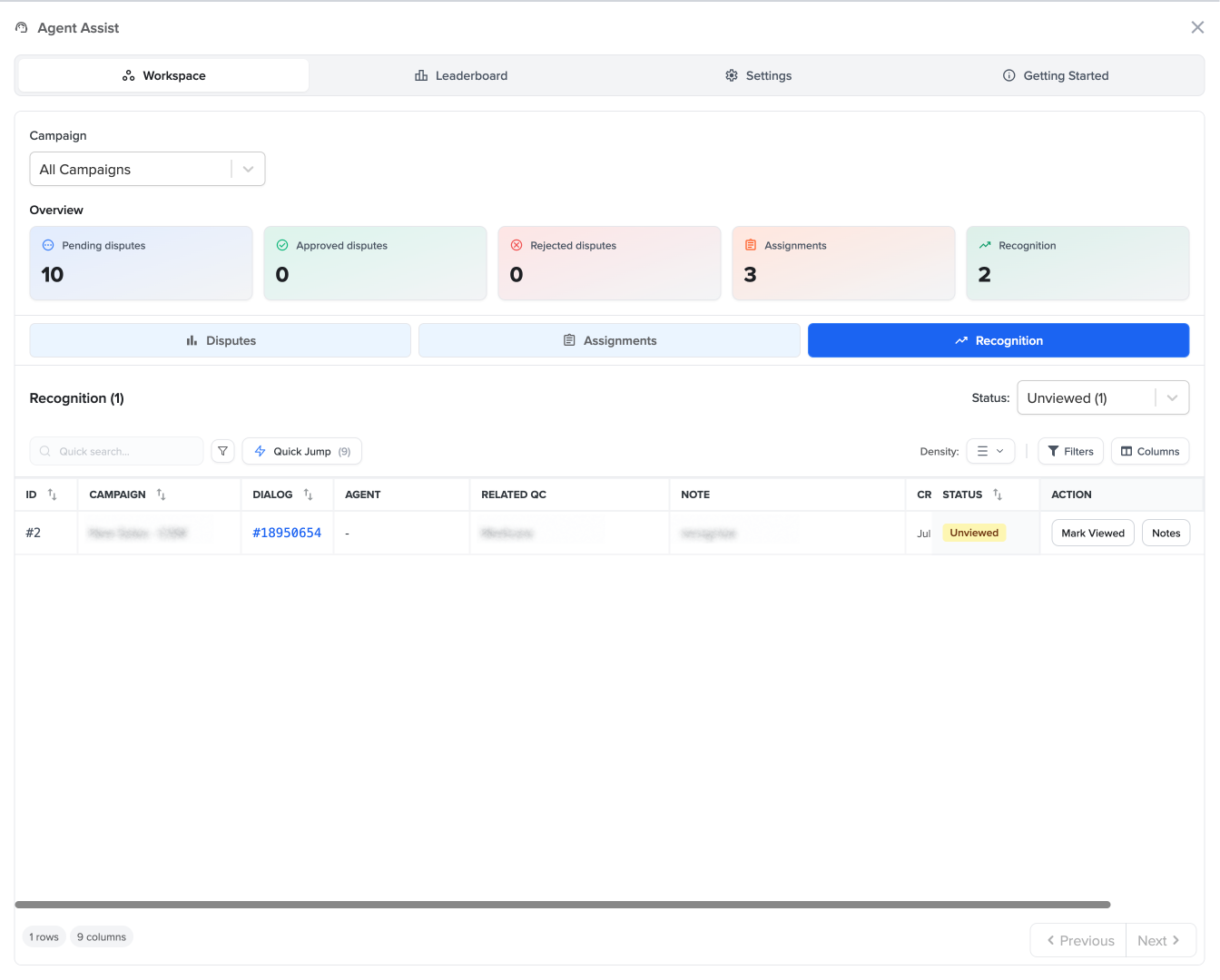
Managers can create Recognition items that highlight great calls and positive behaviors. Agents review and acknowledge feedback and track their progress over time.
Works with Agent Assist
Workspaces connect with Agent Assist, the desktop app where agents see their scores, trends, and leaderboard rankings. Managers get their own Workspace with the full history of disputes, assignments, and recognition across the team.
By connecting coaching, feedback, and quality management into one workflow, Workspaces help teams spend less time managing performance and more time improving it. See it in action on the Workspaces page.
Frequently asked questions
Get the insider's news

More from OnScript News
Product Updates
OnScript API Is Coming: Voice Intelligence for Your Stack
The OnScript API is coming: speech-to-text, call scoring, tonality, sentiment, and conversation analysis as APIs. Join the early access waitlist.
Product Updates
Darby Is Now in Slack and Microsoft Teams
Ask Darby questions directly in Slack or Microsoft Teams and get answers from your OnScript data without switching tools or opening another app.

Events
Meet OnScript AI at Affiliate Summit East 2026 in New York
OnScript AI CRO Rob Camhe at Affiliate Summit East 2026, July 27–28 in New York: AI call QA, automated dispositions, and affiliate traffic quality.